

This post may contain affiliate links. If you buy through them, I may earn a small commission at no extra cost to you.
Quick answer: The right iPhone charging cable depends first on your iPhone’s charging port. Older iPhones with a Lightning port need a Lightning cable, while newer USB-C iPhones need a USB-C cable. For Lightning iPhones, USB-C to Lightning cables are useful when paired with a compatible USB-C power adapter for faster charging.
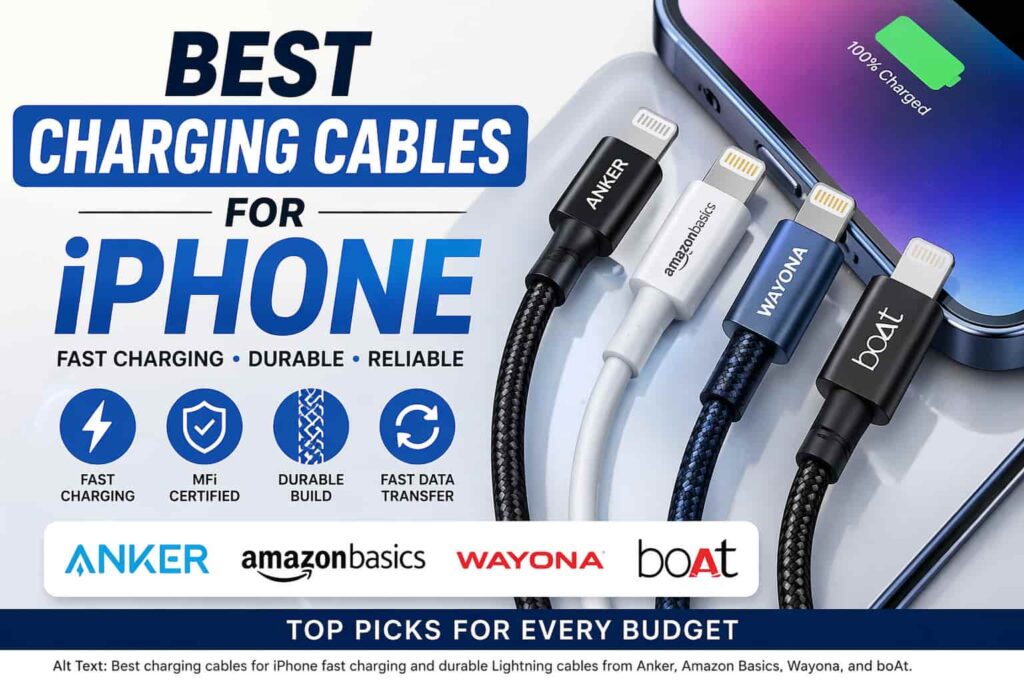
In this guide, we compare four Lightning cables based on connector type, charging support, construction, data transfer, and everyday usability. Always check your iPhone’s port before buying.
Best Charging Cables for iPhone – Top 4 Picks
1. Apple Lightning to USB Cable
The Wayona Apple MFi Certified Lightning Cable is a reliable and budget-friendly charging solution designed for iPhone and iPad users. With Apple MFi certification, it ensures safe and stable charging without compatibility warnings.
This cable supports fast charging and smooth data transfer, making it ideal for daily use at home, office, or travel. Built with durable materials, it offers better resistance to bending and wear, ensuring long-lasting performance.
🔑 Key Features
- Apple MFi certified for safe and secure charging
- Fast charging + data sync support
- Durable and bend-resistant design
- Compatible with iPhone, iPad & Lightning devices
- Ideal for everyday use
🎯 Best For
- iPhone users needing a budget charging cable
- Daily charging and syncing
- Travel and backup cable
2. Amazon Basics Type-C to Lightning Cable
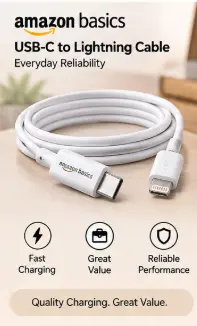
The Amazon Basics Type-C to Lightning Cable with LED Indicator is designed for Lightning devices and uses a USB-C connector on the charger side. The linked product is listed as supporting up to 30W charging, 480 Mbps data transfer, a nylon-braided design, and an LED charging indicator.
The USB-C connector makes it a better match for modern USB-C charging adapters than a traditional USB-A-to-Lightning cable.
Key Features
- USB-C to Lightning
- Up to 30W charging support
- Up to 480Mbps data transfer
- Nylon-braided construction
- LED charging indicator
- 1.2m cable length
Pros
- USB-C connector
- Braided construction
- LED charging indicator
- Suitable for compatible fast-charging setups
Cons
- Lightning connector means it is only for Lightning devices
- The iPhone determines the actual charging speed
Best For
Lightning iPhone users who already use a USB-C power adapter.
SmartBudgetGear Assessment
4.4/5
3. boAt Type-C to Lightning Cable
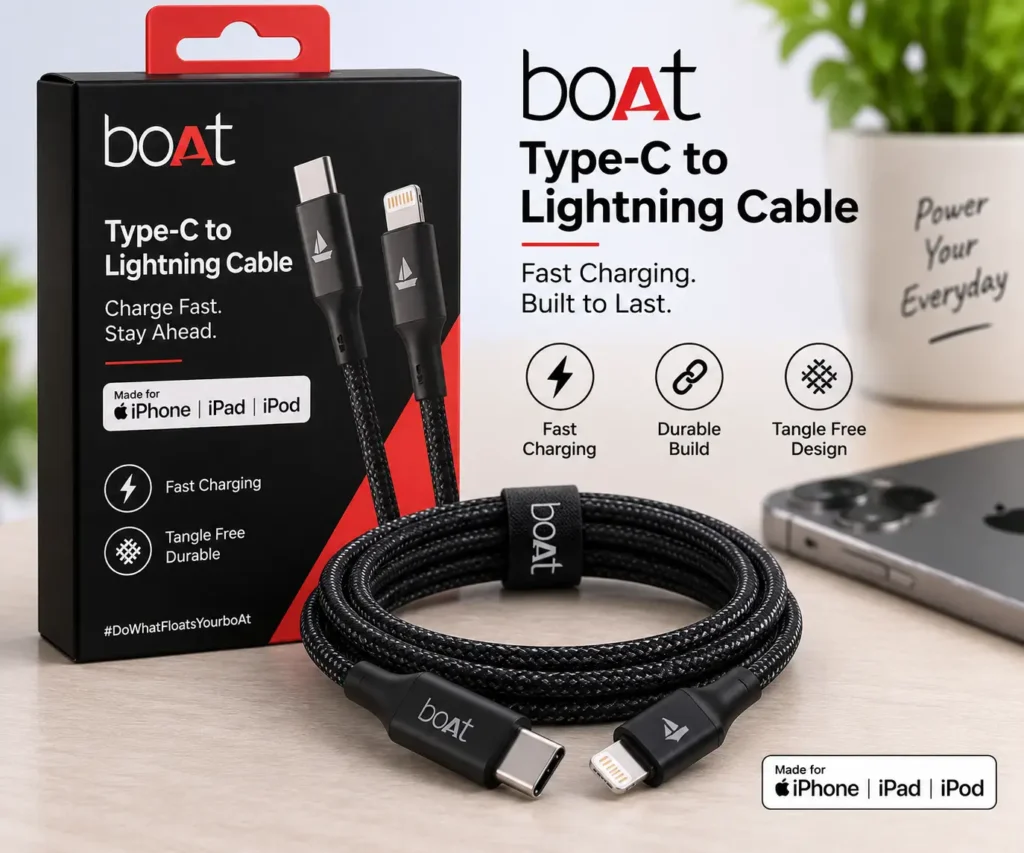
The boAt Type-C to Lightning Cable is a 1.2-metre braided cable designed for Lightning devices. The linked product is listed with up to 27W charging support, 480Mbps data transfer and a nylon-braided construction.
Its USB-C connector makes it suitable for users who have moved to USB-C charging adapters but still use an iPhone or other device with a Lightning port.
Key Features
- USB-C to Lightning
- Up to 27W charging support
- 1.2m length
- 480Mbps data transfer
- Nylon braided construction
- Tangle-resistant design
Pros
- USB-C connection
- 1.2m practical length
- Braided construction
- Supports fast charging with compatible equipment
Cons
- Only suitable for Lightning devices
- Actual charging speed depends on the device and charger
Best For
Everyday Lightning iPhone charging with a USB-C adapter.
SmartBudgetGear Assessment
4.3/5
4. Anker PowerLine II Lightning Cable
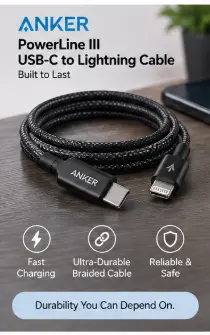
The Anker PowerLine II Lightning Cable is a USB-A to Lightning cable aimed at users who prioritise durability and reliable everyday charging. The linked model is the 3-foot PowerLine II cable with Apple MFi certification.
Unlike the Amazon Basics and boAt cables above, this Anker model uses USB-A on the charger side. That makes it particularly useful if you already have a USB-A charging adapter.
Key Features
- USB-A to Lightning
- Apple MFi certified
- 3-foot / approximately 0.9m length
- Charging and data syncing
- Reinforced construction
- Designed for Lightning devices
Pros
- MFi certified
- Strong durability reputation
- Reliable option for Lightning devices
- Useful with existing USB-A adapters
Cons
- USB-A connector
- Shorter than some 1.2m alternatives
- Not the most convenient choice if your charger has only USB-C ports
Best For
Users who already own a USB-A charger and want a durable Lightning cable.
SmartBudgetGear Assessment
4.5/5
Quick Comparison
| Cable | Connector | Fast Charging | Data Transfer | Build | Best For |
|---|---|---|---|---|---|
| HOMEMO Lightning Cable | USB-A to Lightning | Compatible setup-dependent | Charging/data use | Standard | Backup and USB-A chargers |
| Amazon Basics Cable | USB-C to Lightning | Up to 30W support | Up to 480Mbps | Nylon braided | USB-C charger users |
| boAt Type-C to Lightning | USB-C to Lightning | Up to 27W support | Up to 480Mbps | Nylon braided | Daily use |
| Anker PowerLine II | USB-A to Lightning | Compatible setup-dependent | Up to 480Mbps | Reinforced | Durability + USB-A chargers |
When comparing the best charging cables for iPhone, factors like durability, fast charging, and MFi certification are important.
Buying Guide
Before buying an iPhone cable, consider:
- MFi certification (important)
- Cable length
- Build quality (braided preferred)
- Fast charging support
To choose the best charging cables for iPhone, always look for build quality, compatibility, and charging speed.
Which Charging Cable Is Best for iPhone?
Best Overall Value: boAt Type-C to Lightning
The boAt Type-C to Lightning Cable is our best overall value pick for Lightning iPhone users because it combines a USB-C connector, 1.2m length, braided construction and advertised fast-charging support.
Best for Durability: Anker PowerLine II
Choose the Anker PowerLine II if durability and MFi certification are more important to you and you already have a USB-A charging adapter.
Best USB-C Option: Amazon Basics Type-C to Lightning
The Amazon Basics Type-C to Lightning Cable is a practical choice for users who want a USB-C connection, braided construction and an LED charging indicator.
Best Budget Backup: HOMEMO Lightning Cable
The HOMEMO Lightning-to-USB cable is better suited as a budget replacement or backup for users who still use USB-A charging adapters.
Final Verdict
There is no single best iPhone charging cable for everyone. First check whether your iPhone uses Lightning or USB-C.
For Lightning iPhones using a USB-C charger, the boAt Type-C to Lightning Cable is our best overall value pick.
If durability and MFi certification are your priorities and you use a USB-A charger, choose the Anker PowerLine II.
The Amazon Basics Type-C to Lightning Cable is another useful USB-C option, while the HOMEMO Lightning-to-USB cable is best considered as a budget replacement or backup.
Check the connector type before buying because a Lightning cable cannot be used as a replacement for a USB-C iPhone cable.
Don’t miss our guide on the best mobile accessories for daily use.
FAQs
Q1: Which charging cable is best for an iPhone?
The best cable depends on your iPhone’s charging port. For a Lightning iPhone, choose a compatible Lightning cable. For a USB-C iPhone, choose a USB-C cable. Among the Lightning cables in this guide, the boAt Type-C to Lightning cable is our best overall value pick.
Q2. Can I use a third-party charging cable with an iPhone?
Yes, compatible third-party cables can be used with iPhones. For Lightning accessories, checking certification, compatibility, build quality and seller reputation is important. You should also make sure the cable matches your iPhone’s connector.
Q3: What cable do I need for fast charging a Lightning iPhone?
A USB-C to Lightning cable paired with a compatible USB-C power adapter is the appropriate setup for fast charging a Lightning iPhone that supports it. The actual charging speed is determined by the iPhone, charger and cable combination.
Q4: What cable does a USB-C iPhone need?
A USB-C iPhone needs a USB-C cable rather than a Lightning cable. Check your iPhone’s charging port before purchasing.
Q5: Is a braided iPhone cable better?
A braided cable can provide better resistance to everyday bending and wear, but construction quality varies between products. Braiding alone does not guarantee that a cable will last longer.
Q6: Does a higher-wattage cable charge an iPhone faster?
Not necessarily. A cable’s advertised wattage does not determine the actual charging speed by itself. The iPhone, charger, cable, and charging protocol all affect the power delivered to the device.